Customer Service Conversational AI
A conversational AI assistant that resolves common inquiries, routes complex issues to agents, and captures context to improve support quality.
Project overview
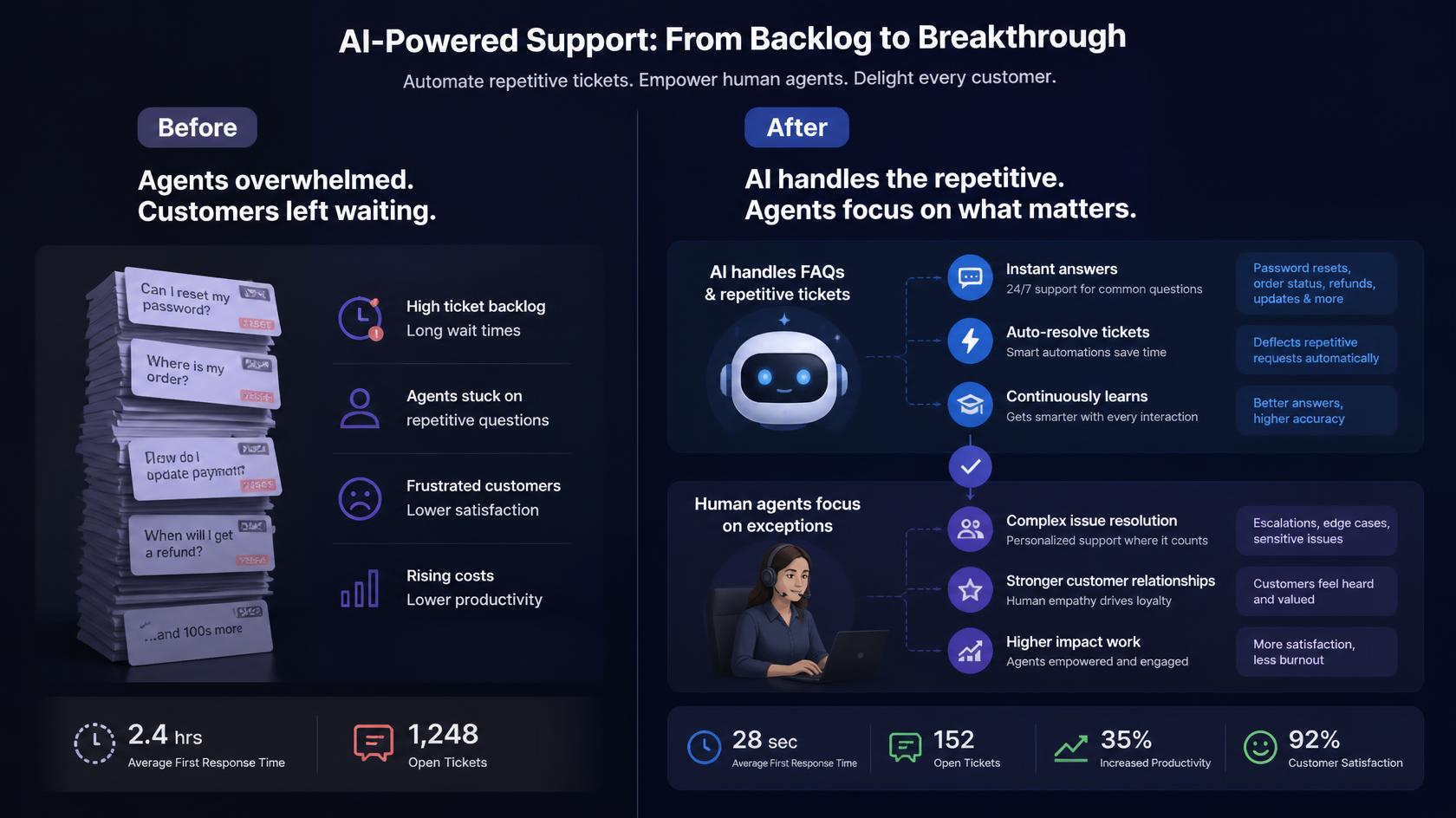
Support volume is rarely the real problem. The problem is that the same questions arrive every hour, while the tickets that need a person wait behind them.
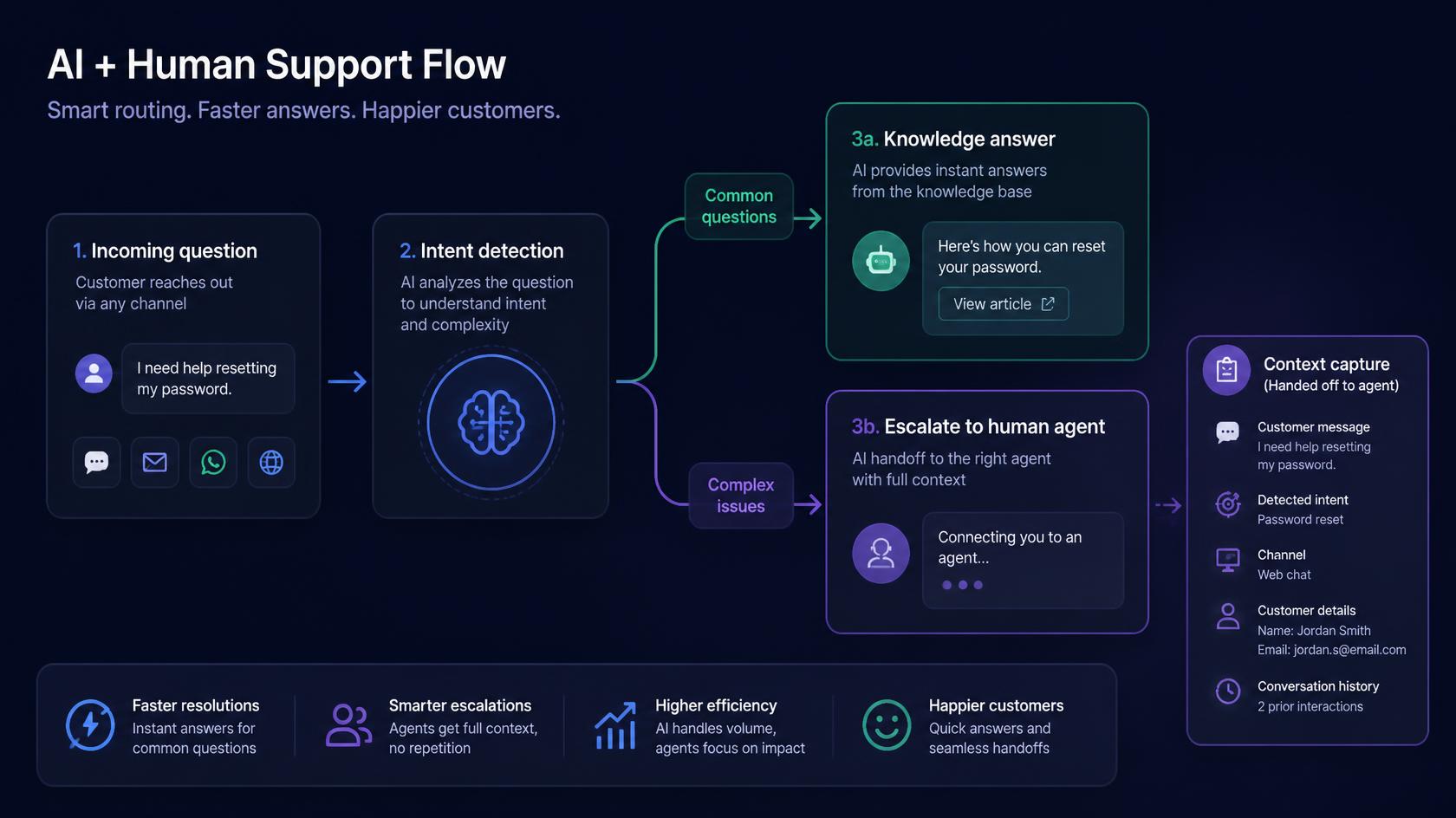
This conversational AI assistant answers routine inquiries, gathers context, and routes complex issues to human agents with the details already attached. It is built as a support workflow, not a chatbot that dead-ends when the question is slightly new.
The same pattern works for customer inboxes and internal helpdesks: classify, answer from knowledge, escalate with context, and learn which questions still need better coverage.
The challenge
Support teams were spending too much time on repetitive questions while complex issues waited too long for the right human handoff. Existing chatbot flows lost context and could not pass a useful brief to an agent.
The solution
We built a conversational AI workflow that answers routine requests from knowledge, captures context throughout the conversation, and routes exceptions to human agents. Handoff includes intent, history, and what the customer already tried.
What we built
How we approached it
Separate the repeatable from the rare
We mapped the questions that should never need a person, and the ones that always should.
Ground answers in the knowledge base
Responses come from approved support content so the assistant stays on-policy.
Design the handoff, not only the bot
Escalation includes context so agents do not restart the conversation from zero.
Watch what still fails
Unanswered intents become a backlog for knowledge and workflow updates.
Examples from the workflow
These are the kinds of moments the system was designed to handle — not hypothetical product slides.
Order-status and policy questions
The assistant resolves the high-volume FAQs and only escalates when the account state is unusual.
A billing exception that needs a person
The agent receives what the customer asked, what was already checked, and why the bot could not close it.
After-hours coverage
Common issues are handled overnight, and the leftover queue in the morning is mostly true exceptions.
Stack and delivery pieces
Outcomes
Questions this case study usually raises
Will this replace human support agents?
No. It takes repetitive questions off the queue and gives agents better context on the issues that still need a person. In After-hours coverage, automation is designed to remove repetitive work and improve consistency while people retain ownership of judgment calls, exceptions, and final accountability. Success is measured in faster cycle time and better context for humans—not in removing the function entirely. Guardrails and review paths are part of the operating model so the system stays trustworthy after launch.
How does the assistant know when to escalate?
Intent and conversation state decide whether a knowledge answer is enough. Edge cases and low-confidence paths route to a human with the history attached. In practice for After-hours coverage, those rules are encoded in the workflow with logging so operators can see what occurred and intervene when needed. Edge cases are designed deliberately rather than left to improvisation. After launch, failure patterns feed iteration—knowledge updates, routing changes, or model/evaluation improvements. The operating model is meant to stay visible and supportable for your team.
Can it work across more than one support channel?
The workflow is designed for multichannel support orchestration, so the same triage and handoff logic can sit in front of inbox, chat, or helpdesk tools. For engagements like After-hours coverage, we confirm fit during discovery against your stack, volume, and compliance constraints rather than assuming every environment matches the case study one-to-one. Integrations, permissions, and review gates are planned explicitly. A pilot usually proves the highest-value path first, then expands once quality and adoption are clear. That keeps delivery practical and measurable.
What do we need before a project like this?
A usable knowledge base, a clear list of questions that should stay human, and a support tool where escalations can land with context. For engagements like After-hours coverage, we confirm fit during discovery against your stack, volume, and compliance constraints rather than assuming every environment matches the case study one-to-one. Integrations, permissions, and review gates are planned explicitly. A pilot usually proves the highest-value path first, then expands once quality and adoption are clear. That keeps delivery practical and measurable.
Customer Support Automation
We design support workflows that classify incoming requests, answer routine questions, escalate edge cases, and keep your team focused on the conversations that need a human touch.
View the solutionMore case studies
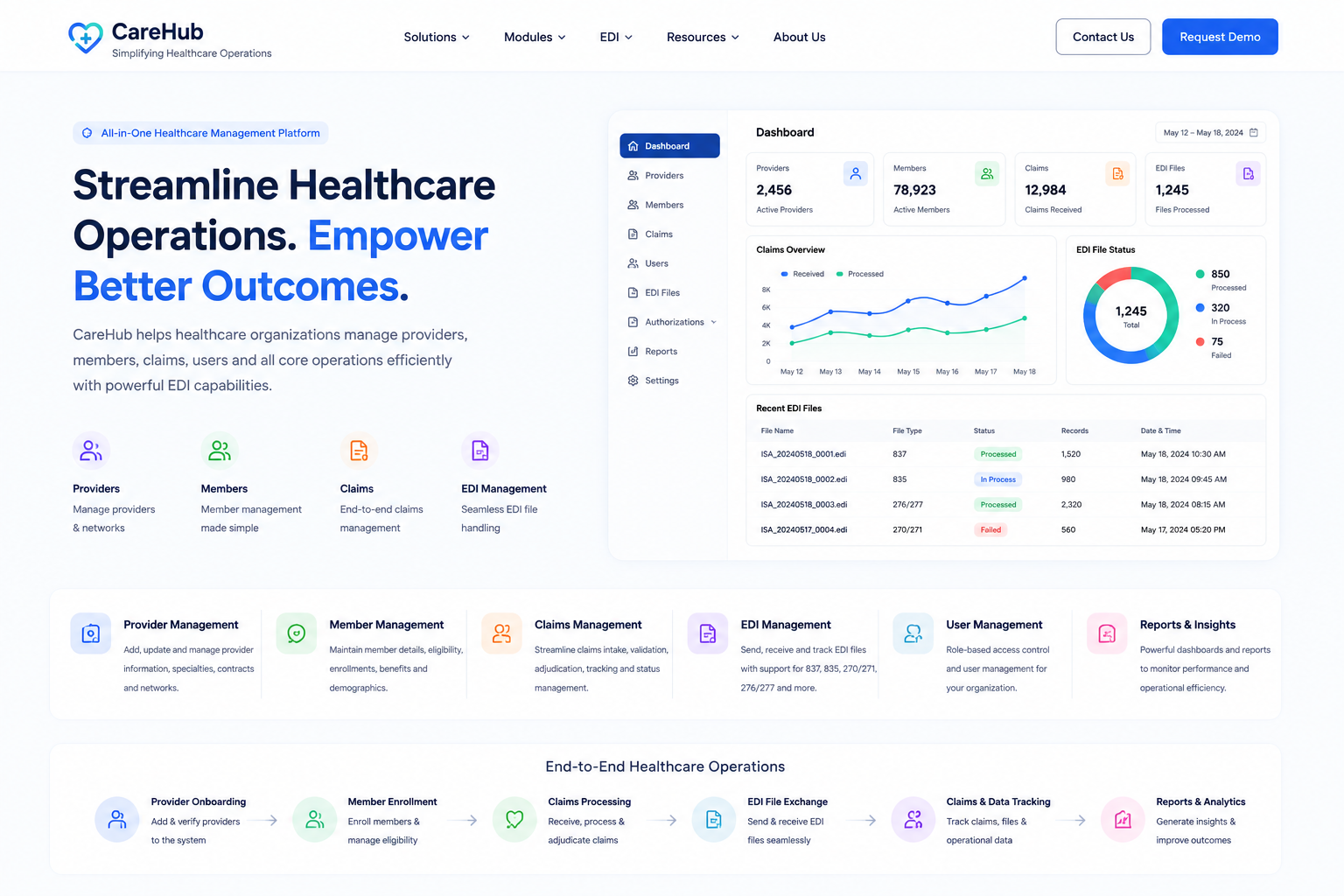
Healthcare Claims Management Platform
A HIPAA-ready healthcare operations platform that centralizes vendor data, claims processing, member administration, and plan management for U.S. healthcare teams.
Read case study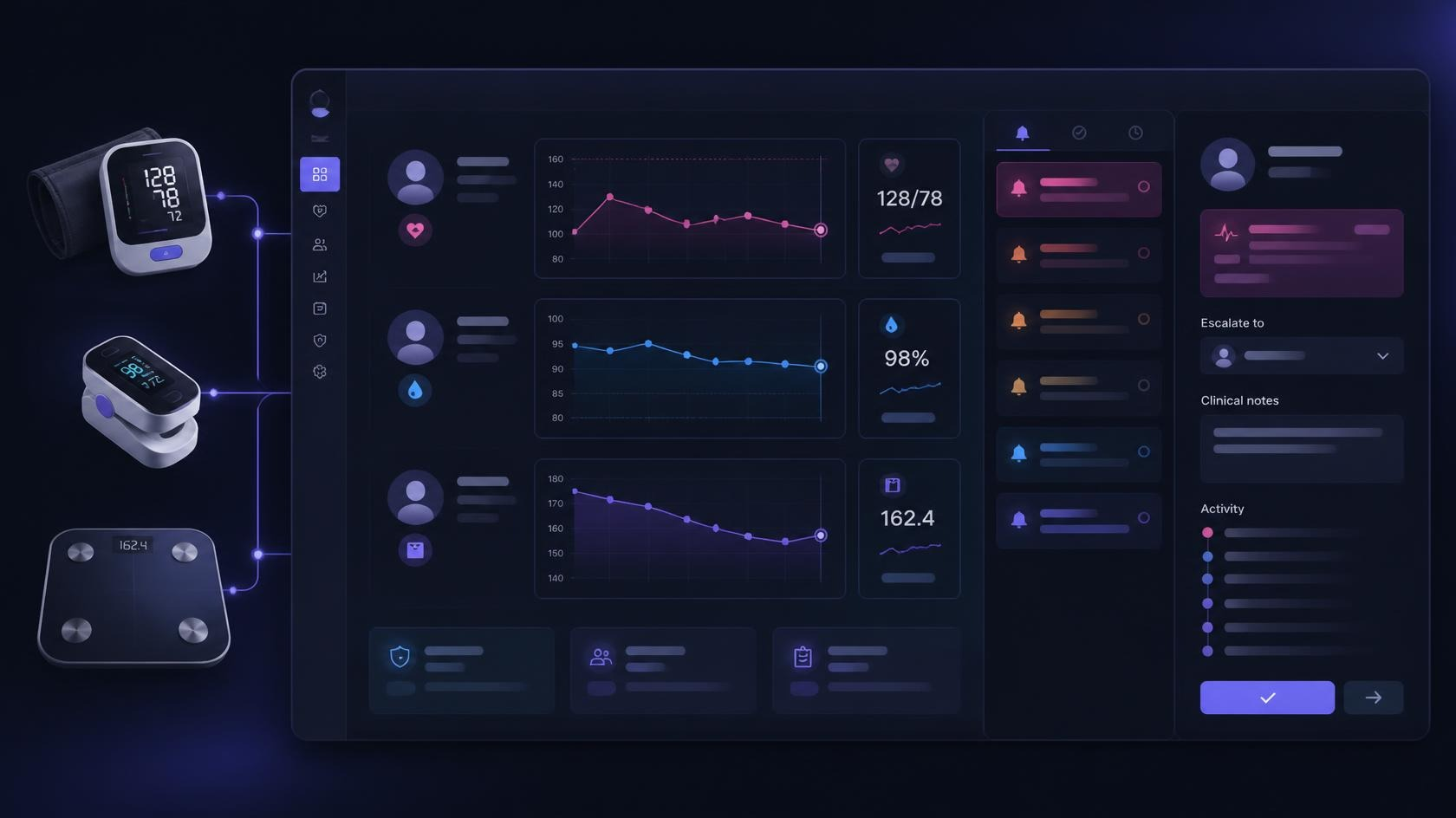
Remote Patient Monitoring Operations Console
A HIPAA-conscious remote patient monitoring console that ingests device readings, applies threshold rules, routes alerts to nursing staff, and escalates to clinicians with a full audit trail.
Read case study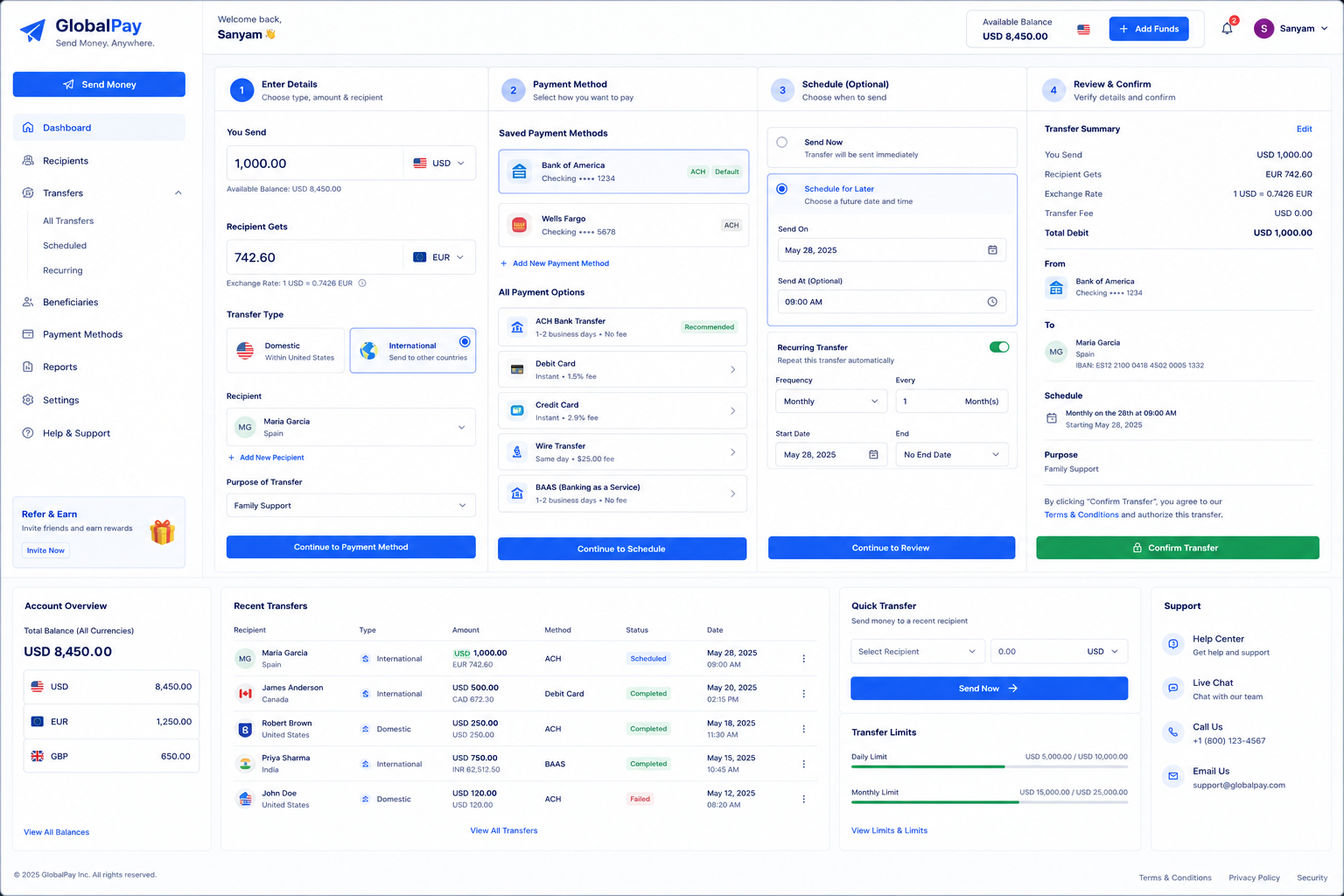
Global Payments & BaaS Platform
A cross-border payments and Banking-as-a-Service platform that orchestrates ACH, RTP, SWIFT, and regional rails for merchants and financial partners.
Read case studyNeed a case study like this?
Client names stay confidential. Request fuller details under NDA, or talk through a similar workflow for your team.